
California state-service job exploration with qualified nationwide federal employment-discrimination context
California’s new pilot is built to help people find a starting point
On October 19, California announced a GenAI-assisted Skills Matching tool on CalCareers, the state’s job-opportunity hub. The announcement says the tool can analyze skills and experience in an uploaded résumé and suggest state job classifications that may align with them. Read the California announcement.
The public tool calls itself a pilot that is still being updated. It lets a person upload a PDF or DOCX résumé of up to 5 MB, or instead describe work type, responsibilities, key skills, education level, and years of experience manually. The page says the résumé data is used only to identify a classification and will not be stored or shared. Open the live CalCareers pilot.
That is a useful development for a job system with many classifications and specialized terms. A person whose work has been described one way in the private sector may discover that the state uses a different classification name for similar skills.
A match is a map, not a decision
The important word is suggest. The state describes the tool as a way to identify classifications, not as a tool that makes a final application decision. CalCareers separately presents the path to a state job as three steps: search, assessment, and apply. It places “Find my Classification” alongside those steps rather than in place of them. See California’s overview of the state-job process.
Think of the match like a map legend. A legend helps a traveler understand what the symbols mean and where a route may begin. It does not issue a ticket, decide whether the road is open, or determine whether someone reaches the destination. In the same way, a classification suggestion can make a search more informed, but it does not by itself establish that a person meets every requirement, will pass an assessment, will be selected for an interview, or will receive a job offer.
That distinction keeps expectations accurate. It also helps readers ask better questions about AI in employment. A public navigation tool used by a job seeker is different from a system an employer uses to screen, rank, or reject applicants.
The later hiring process still matters
California’s public job guidance identifies searching, assessment, and applying as separate parts of the process. Each actual opportunity can have its own posted duties, qualifications, assessment, application requirements, and selection steps. A classification recommendation cannot replace reviewing those materials for the specific role.
The same principle applies more broadly whenever AI appears around employment. The Equal Employment Opportunity Commission lists résumé screening as one example of AI used during job search. Its worker guidance explains that federal employment-discrimination laws can still protect people when an employer’s use of AI discriminates on a protected basis. Read the EEOC’s worker guide.
That does not turn the California pilot into an employer screening tool or answer a legal question about a particular application. The published materials reviewed for this article describe an applicant-facing classification-matching pilot. Whether a later hiring process uses AI, what it does, and which laws apply depend on the real process and its facts.
For a broader explanation of automated screening and employment discrimination, read When the Algorithm Says No: AI Hiring Tools and Employment Discrimination. That article is general information only and does not decide whether any particular process was lawful.
Access is part of a useful job tool
A job-exploration tool is most useful when people can understand and use it in more than one way. California’s pilot gives people both a document-upload route and a manual-experience route. The state’s broader CalCareers page also lists an “Accommodation Request (STD 679) - Exams Only” form. Visit CalCareers’ state-job resource page.
The EEOC’s worker tips explain that the ADA may require an employer to provide a reasonable accommodation in some circumstances so a qualified applicant or worker with a disability can apply for or perform a job. Its examples focus on employer-used computer testing and screening tools that may measure a disability-related barrier instead of a person’s ability to do the work. Read the EEOC’s ADA and AI worker tips.
The key is not to assume that every digital tool does the same thing. A resource that helps a person locate classifications, a required assessment, and an employer’s actual selection process may each raise different practical and legal questions.
Four clear next steps after an AI classification match
- Treat the result as a search lead. Use the suggested classification to locate the official class specification, available jobs, and current application materials.
- Read the particular opportunity. Review the actual role’s duties, qualifications, and any assessment or application instructions. The classification match does not replace them.
- Use the format that helps you describe your experience accurately. The public pilot offers both résumé upload and manual experience entry. Its live page explains what information each route asks for and how the tool says it uses that information.
- Keep the process in proportion. A recommendation may save time finding relevant jobs. It should not be read as a promise of eligibility, a rejection from a job, or a final employment decision.
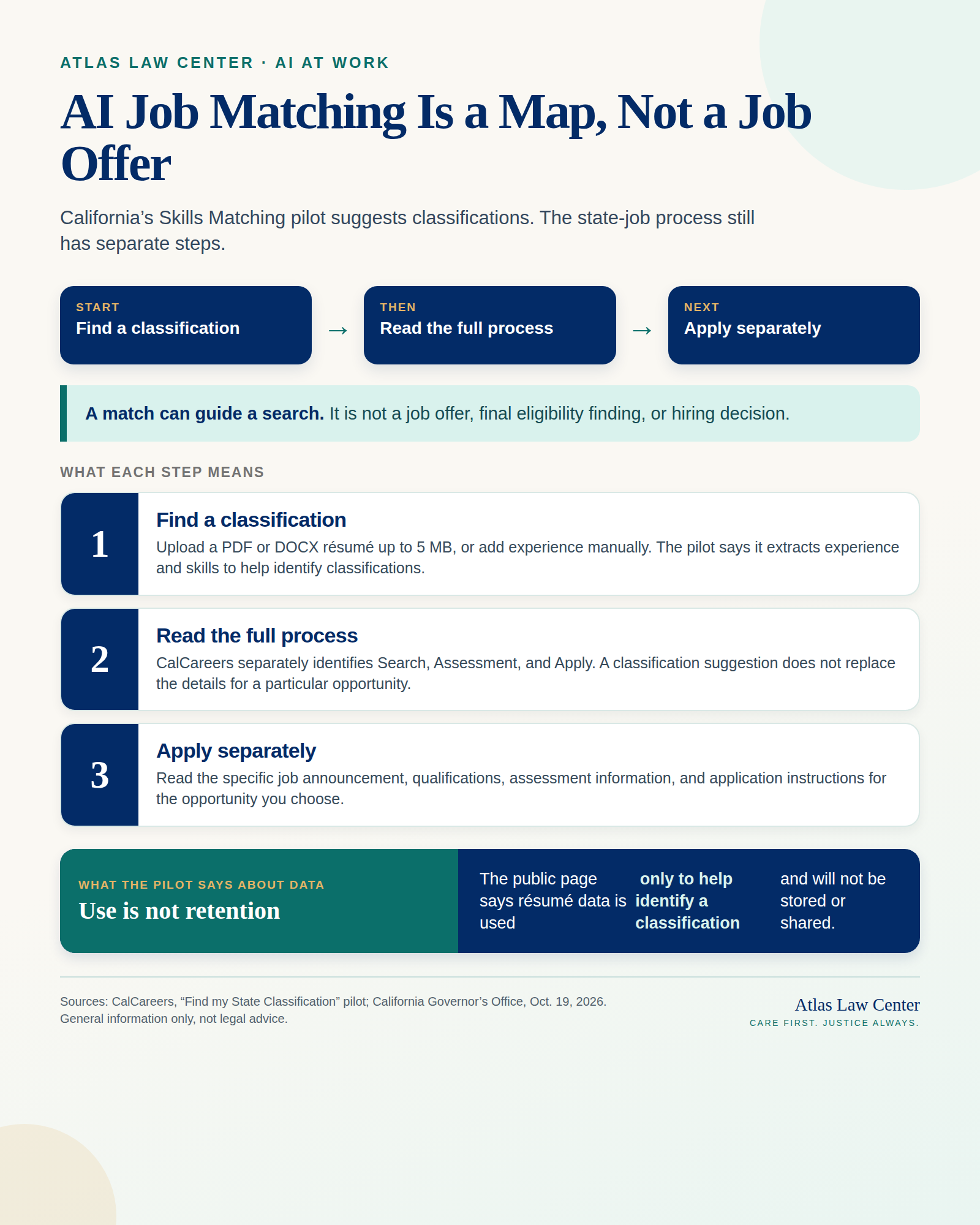
Text version of the infographic
The full text below is the selectable-text companion to the infographic. It preserves every material phrase in the visual for readers using a phone, enlarged text, or a screen reader.
Atlas Law Center · AI at Work
AI Job Matching Is a Map, Not a Job Offer
California’s Skills Matching pilot suggests classifications. The state-job process still has separate steps.
Start — Find a classification
Then — Read the full process
Next — Apply separately
A match can guide a search. It is not a job offer, final eligibility finding, or hiring decision.
What each step means
1. Find a classification
Upload a PDF or DOCX résumé up to 5 MB, or add experience manually. The pilot says it extracts experience and skills to help identify classifications.
2. Read the full process
CalCareers separately identifies Search, Assessment, and Apply. A classification suggestion does not replace the details for a particular opportunity.
3. Apply separately
Read the specific job announcement, qualifications, assessment information, and application instructions for the opportunity you choose.
What the pilot says about data
Use is not retention
The public page says résumé data is used only to help identify a classification and will not be stored or shared.
Sources: CalCareers, “Find my State Classification” pilot; California Governor’s Office, Oct. 19, 2026. General information only, not legal advice.
Atlas Law Center
Care First. Justice Always.
A useful tool does not erase the human process
AI can reduce the friction of translating someone’s experience into a public job system. That is a real benefit when a reader is trying to find the right place to begin. But the tool works best when its limits are clear. A classification suggestion can support exploration; it should not blur the difference between an aid to job search and the later decisions that affect a person’s employment.
For more on the difference between AI assistance and AI decisions at work, read Your Rights When AI Makes the Decision: A Worker’s Guide to Automated Employment Decisions. For a related discussion of pathways into work as technology changes, read AI and the First Rung of Work.
Questions addressed
1. Is California’s Skills Matching pilot an AI hiring decision?
The public California materials describe a GenAI-assisted tool that suggests state job classifications based on a résumé or manually entered experience. The public site labels it a pilot. The state’s separate job guidance identifies search, assessment, and apply as distinct steps. A classification suggestion is not, by itself, a job offer, a final qualification finding, or an agency hiring decision.
2. What does the pilot say about résumé information?
The public CalCareers page says a person can upload a PDF or DOCX résumé up to 5 MB, or enter experience manually. It says résumé data is used only to help identify classifications and will not be stored or shared. The pilot can change, so readers should review the live page before using it.
3. Does AI change the rules against employment discrimination?
No. The EEOC explains that federal employment-discrimination laws can protect people when AI systems are used to discriminate on a protected basis. The legal analysis depends on the actual employer, process, technology, decision, and facts. This article does not decide a particular legal situation.
4. Can an applicant with a disability ask for a different way to complete an employer’s AI-based assessment?
The EEOC explains that the ADA may require a reasonable accommodation in some circumstances so a qualified applicant or worker with a disability can apply for or perform a job. Its guidance includes employer-used computer testing and screening examples. Whether an accommodation is available depends on the particular process and facts. California’s classification pilot offers a manual-experience route, but this article does not determine whether that option satisfies an accommodation request in any situation.
General information only. This article does not provide legal advice or create an attorney-client relationship. It is not an assessment of a particular applicant, résumé, disability, accommodation request, California state-job classification, examination, agency hiring process, employment decision, complaint, or potential claim. The pilot, job announcements, and applicable law can change.
Wondering how this applies to you?
Every situation is different, and deadlines can be short. A free case review helps the intake team identify time-sensitive issues.
Start your free case review